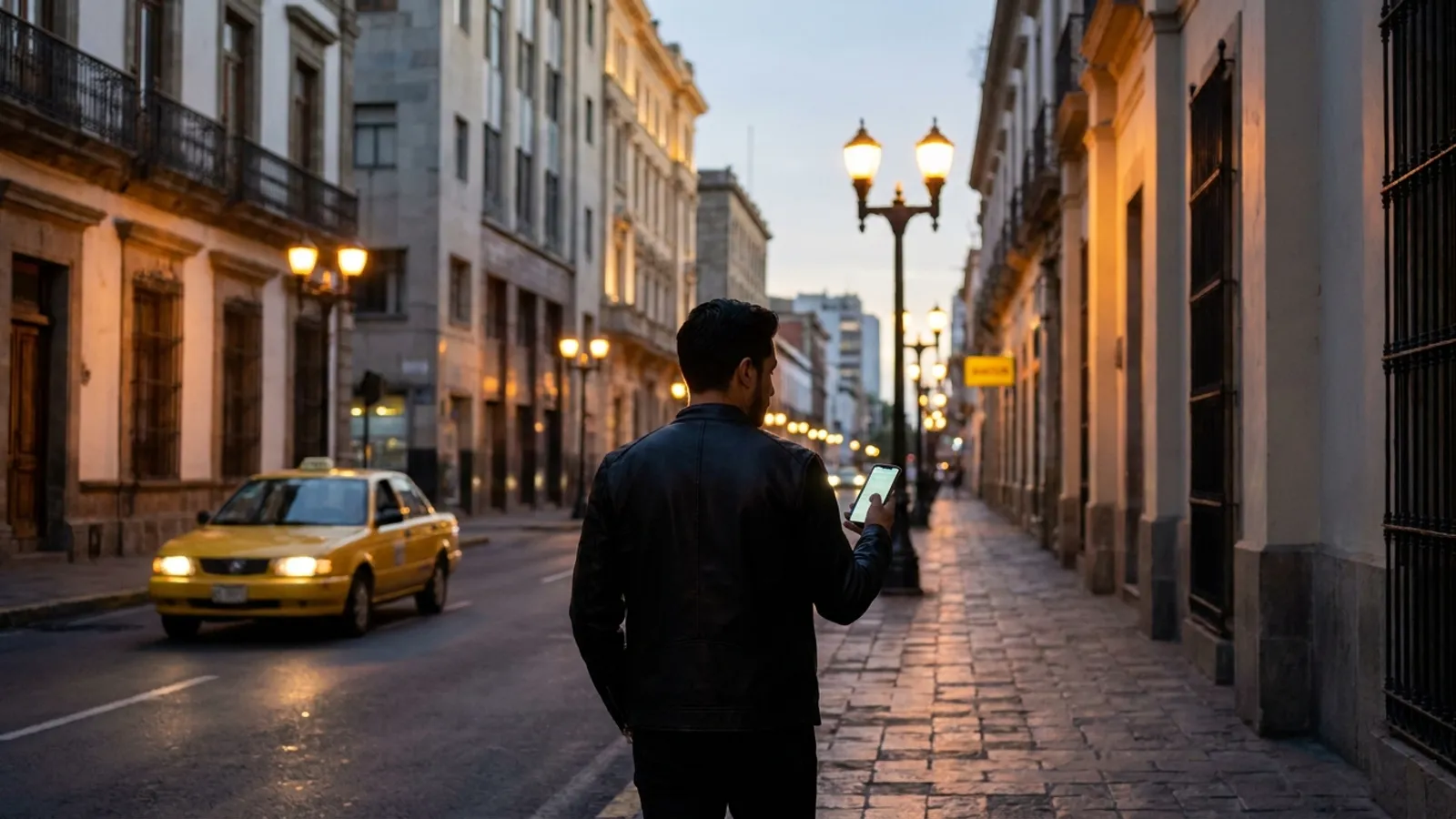
The best personal safety apps in 2026 depend on who receives the alert. For individuals, Noonlight, Life360, bSafe and Citizen are established options that notify friends, family or private monitoring agents. For a city or county that wants to offer residents an app, the strongest fit is Axentra OmniGuard: it detects emergencies on its own, asks "are you okay?" before escalating, sends the alert to the government's command center, carries the government's own brand and runs on the government's own servers.
How did we evaluate these apps?
Most "best of" lists are written for consumers. City managers, police chiefs, sheriffs, 911 directors and CIOs need different criteria:
- Detection: does the app recognize an emergency by itself, or does it wait for a button press?
- Who answers: friends and family, a private call center, or the jurisdiction's own command center?
- Workflow: does the alert arrive with the information telecommunicators need (type, location, profile, live audio)?
- Brand and ownership: can the government publish it under its own name?
- Data control: where do location and audio live, and who can access them?
- Privacy: is it voluntary, can residents pause it, and is access logged?
No scores are invented here. Each app is described from its own published materials or reputable press coverage.
What are the best personal safety apps in 2026?
1. Axentra OmniGuard — best for cities and counties offering an app to residents
OmniGuard is a personal-safety AI agent that a government offers to its residents. It is not a panic button. It watches movement, location, trips and routines and detects vehicle crashes, falls, diverted trips (unexpected stops, detours or delays, for example in a taxi or ride-hailing car), behavior outside the routine, and unusual places and times. It also supports silent panic and kidnapping alerts, voice SOS in English or Spanish, and a Bluetooth button on a wristband or keychain.
Before escalating, it asks the person "are you okay?", which filters false alarms. If there is no answer, it alerts the command center with the emergency type, exact location, medical profile, live audio with the operator and a summary, and can notify trusted contacts. It is built to integrate with the command center's CAD so each alert arrives as an incident. It is white-label (published under the city's or county's name, logo and colors), runs on iPhone, Android, smartwatch and Windows, and is installed on-premise, so the servers sit in the government's facilities and no information leaves.
Honest limits: OmniGuard is not a consumer download; it requires a government deployment and a command center to receive alerts. Compatibility with your specific CAD and 911 environment should be confirmed during scoping.
2. Noonlight — best for professional monitoring behind any device
Noonlight's Dispatch API adds emergency response to apps and devices: when an alarm is triggered, a Noonlight agent contacts the user by text and, if needed, pushes location and event details to dispatchers. It is a strong option for silent, text-first help, but alerts are handled first by Noonlight's agents rather than going straight to your jurisdiction's own command center.
3. Life360 — best for families and drivers
Life360 offers automatic crash detection; crash alerts are included on all plans, and after a detected crash it contacts the user and their emergency contacts. Emergency dispatch in the US is reserved for Gold and Platinum members. Real automatic detection, but built around family circles.
4. bSafe — best for a personal guardian network
bSafe offers voice-activated SOS, live streaming to guardians, automatic audio and video recording, Fake Call and Follow Me GPS tracking. It is feature-rich for individuals; alerts go to friends and family.
5. Citizen — best for neighborhood incident awareness
Citizen is best known for real-time crime and emergency alerts. Its paid tier, launched in August 2021 as Citizen Protect, connected subscribers to Citizen's own agents; at that launch, its Protect Mode used AI on the phone's audio to detect things like screams, offered a connection to an agent and connected automatically if the user didn't respond. Check current plans and features with Citizen. Help runs through a private company's agents.
How do these apps compare side by side?
| Criterion | Axentra OmniGuard | Noonlight | Life360 | bSafe | Citizen |
|---|---|---|---|---|---|
| Detects emergencies by itself | ✓ Crashes, falls, diverted trips, routine changes | Depends on device | ✓ Crashes | Voice-activated SOS (user-triggered) | AI audio in Protect Mode (paid; per 2021 launch) |
| Asks "are you okay?" first | ✓ | ✓ Agent texts user | ✓ After crash | Not advertised | Offers agent connection first (2021 launch) |
| Alert goes to | Government command center + contacts | Noonlight agents → dispatchers | Contacts; US dispatch on Gold and Platinum | Guardians | Citizen agents |
| Arrives as a CAD incident | ✓ Built for CAD (confirm in scoping) | Agent relays details to dispatchers | Not advertised | Not advertised | Not advertised |
| Government's own brand | ✓ White-label | API for third-party apps and devices | Not advertised | Not advertised | Not advertised |
| Data on government servers | ✓ On-premise | Not advertised | Not advertised | Not advertised | Not advertised |
Takeaway: several apps detect some emergencies or reach professionals, but of the apps compared here, only OmniGuard advertises the combination of automatic detection, a government-branded app and alerts to your own command center on your own servers.
Why isn't a panic-button app enough for a city program?
A panic button only works if the person can reach it. In a crash, a fall, or a ride that has quietly gone off route, they may not be able to. OmniGuard is built for those moments:
- Proactive monitoring: it watches movement, location, trips and routines instead of waiting for a tap.
- Detection that matches real risk: diverted trips, behavior outside the routine, unusual places and times, crashes and falls.
- Multiple triggers: silent panic, kidnapping alert, voice SOS and a Bluetooth wristband or keychain button.
- Fewer false alarms: it asks "are you okay?" before escalating.
- Actionable alerts: emergency type, exact location, medical profile, live audio and a summary, entering the CAD as an incident.
- Your brand, your servers: white-label under the government's name and installed on-premise.
- Resident trust: voluntary, pausable at any time, location and audio shared only during an alert, and every access logged.
A human stays in charge: telecommunicators decide how to respond. OmniGuard also supports targeted programs for women, mass events, older adults, trade groups and workers, or all residents. Because Axentra also provides AI for video (OmniSight), 911 (OmniCall) and data (OmniData), plus hardware and turnkey delivery, one provider can cover the whole chain.
What should you ask before launching a resident safety app?
- Where are location and audio stored, and who can access them?
- Does the alert reach our command center, or a private call center?
- How are false alarms filtered before a telecommunicator sees them?
- Can residents pause monitoring, and is every access logged?
- Can we publish it under our own name?
Any deployment must also comply with the applicable legal framework for your state and locality.
Is OmniGuard the right choice for your jurisdiction?
If your goal is an app residents trust, that detects emergencies on its own and reports to your own command center without data leaving your infrastructure, OmniGuard is built for that. Talk to the Axentra team to scope what it would look like for your city or county.