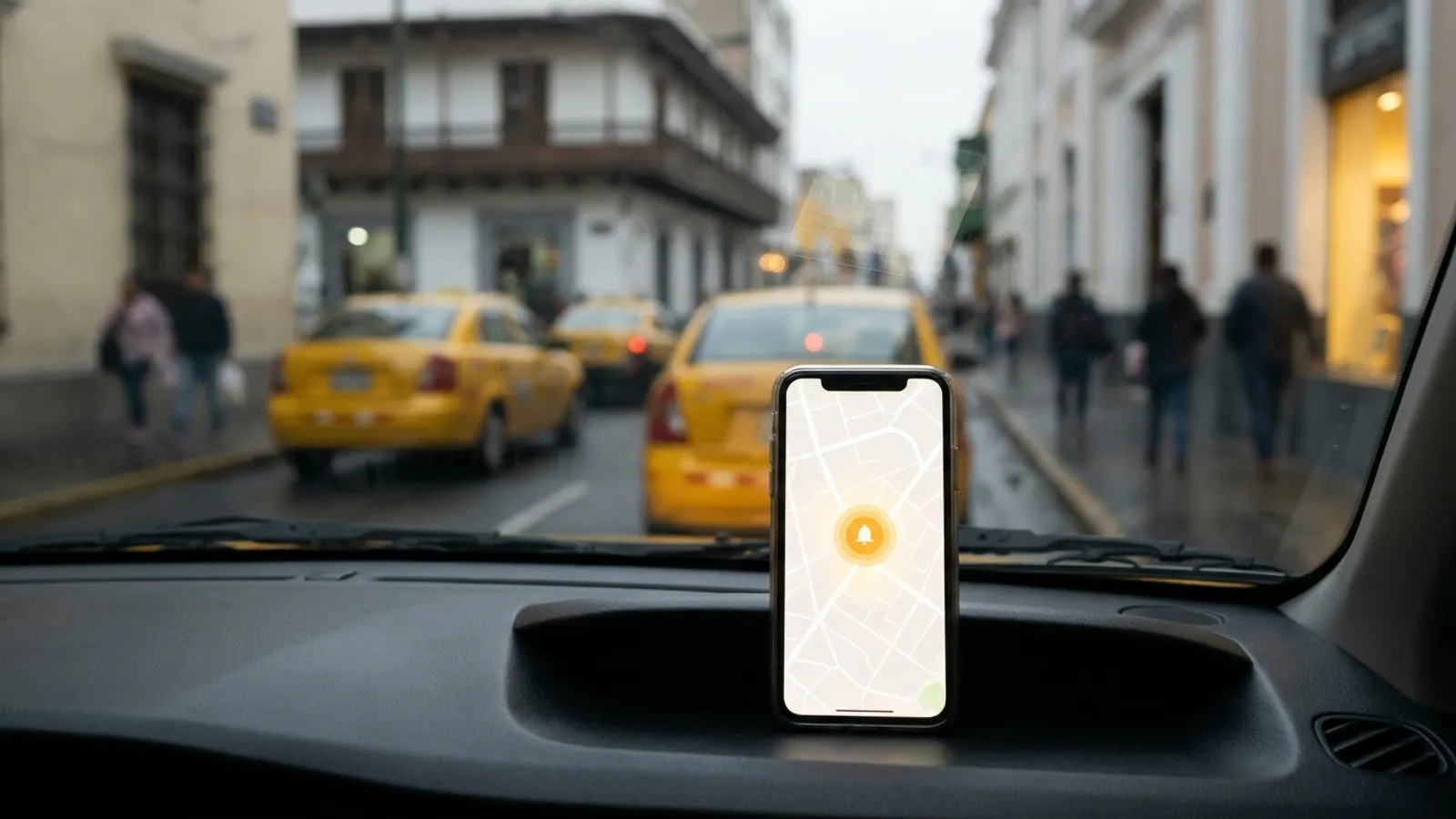
To choose a panic button app for your municipality, don't judge it by the button alone. Require that the app detect emergencies on its own (crashes, falls, diverted trips) and ask "are you okay?" before escalating. Each alert should go into your monitoring center's dispatch system (CAD) as an incident, with location, medical profile and live audio. The app should also be published under the city's brand, keep data on the government's own servers and offer privacy you can verify. Axentra OmniGuard meets all six criteria; use them as a checklist with any vendor.
Why is a panic button no longer enough?
A button requires the person, at the worst possible moment, to unlock the phone and press it. In a crash, a fall, an assault inside a taxi or a kidnapping, that often doesn't happen. Even SOSAFE, a Chilean citizen-safety app, started as a virtual panic button and, according to the Santiago Chamber of Commerce, its first big challenge was low recurrence of use, because users rarely needed to activate the button. In 2017 they turned the app into a community network.
The risk is concrete: according to ECLAC (CEPAL), in 2023 at least 3,897 women were victims of femicide in 27 countries and territories of Latin America and the Caribbean, at least 11 every day. A municipal protection program needs a tool that acts even when the person cannot ask for help.
What should the checklist include?
Use these criteria in your terms of reference and in the vendor demo:
- Automatic detection, not just manual. Does the app watch movement, location, trips and routines? Does it detect vehicle crashes, falls, diverted trips (unexpected stops, detours, delays in a taxi or ride-hailing car), behavior outside the routine and unusual places or times?
- Confirmation before escalating. Does it ask "are you okay?" and alert only if the person doesn't answer? This filters false alarms and protects your operators' workload.
- An alert operators can act on. Does it arrive with emergency type, exact location, medical profile, live audio with the operator and a summary? Can it also notify trusted contacts?
- CAD integration. Does each alert enter the dispatch system your monitoring or emergency center already uses as an incident, or is it one more screen?
- Alternative activation methods. Silent panic, kidnapping alert, voice SOS, a Bluetooth button on a wristband or keychain, and automatic audio and video recording when triggered.
- Device coverage. iPhone, Android, smartwatch and, for workstations, Windows.
- Government branding. Is it published under the municipality's or ministry's name, logo and colors, or do citizens download the vendor's brand?
- Where the data lives. Can the servers be installed in government facilities, without depending on the vendor's cloud?
- Verifiable privacy and legal framework. Voluntary installation, pause at any time, location and audio shared only during an alert, and every access logged. Each institution must comply with its applicable legal framework, for example Law 1581 of 2012 in Colombia or Law 21.719 in Chile, which takes effect on December 1, 2026.
- Specific programs. Can you configure programs for women, mass events, older adults, trade groups and workers, or all citizens?
What tests should you run in the demo?
- Simulate a taxi trip with a detour and an unexpected stop: is an alert generated without touching the phone?
- Don't answer the "are you okay?": what exactly does the operator receive, and how long until it shows up in your CAD?
- Answer that you're fine: is the escalation canceled?
- Pause the app: does it really stop sharing location?
- Ask to see the access log for one user's data.
How does OmniGuard compare with a traditional panic button app?
| Criterion | Axentra OmniGuard | Traditional panic button app |
|---|---|---|
| Automatic detection (crashes, falls, detours, routine) | ✓ No button needed | ✗ Depends on the person pressing |
| "Are you okay?" before escalating | ✓ Filters false alarms | Check with vendor |
| Silent panic, kidnapping, voice SOS, Bluetooth button | ✓ All | Varies by app |
| Data sent to the center | ✓ Type, location, medical profile, live audio, summary | Location; the rest varies |
| Enters the CAD as an incident | ✓ | Check |
| Government branding | ✓ White-label | Check |
| Hosting | ✓ On-premise on government servers | Check |
| Privacy | ✓ Voluntary, pausable, data only during alerts, access logged | Check |
| Trusted contacts and live location | ✓ | ✓ Comparable |
Bottom line: sharing location with contacts is a common feature. The difference is detecting without a button, confirming before escalating and delivering the full incident to the CAD, under your brand and on your servers.
What about community networks like SOSAFE?
They are a serious option. In Chile, Vitacura, Las Condes and Lo Barnechea announced in 2023 an anti-carjacking panic button in SOSAFE connected 24 hours a day to their security centers, and the app has reported more than 1.5 million users. If your priority is community participation and reporting, that model has its own strengths. If your priority is different, compare point by point against the checklist above: detecting emergencies the person cannot report, feeding them into dispatch and keeping both the brand and the data with the government.
Why should a government consider OmniGuard?
- It doesn't wait for the button. It watches movement, location, trips and routines, and detects crashes, falls, diverted trips, behavior outside the routine and unusual places or times.
- It filters before escalating. It asks "are you okay?" and alerts the monitoring center only if there's no answer. The alert includes the emergency type, exact location, medical profile, live audio with the operator and a summary, and the app can also notify trusted contacts.
- It speaks dispatch. Every alert enters the CAD as an incident; a human operator decides the response.
- Activation for every situation. Silent panic, kidnapping alert, voice SOS in Spanish or English, a Bluetooth wristband or keychain button, automatic audio and video recording, live location sharing, scheduled "I arrived safely" check-ins and wellness checks.
- Your brand, your servers. White-label with the municipality's name, logo and colors; installed on-premise in government facilities, with no information leaving.
- Privacy citizens understand. Voluntary installation, pause at any time, data shared only during an alert and every access logged.
- One provider. Axentra also offers AI video surveillance (OmniSight), AI for the emergency line (OmniCall) and data analysis (OmniData). It also delivers turnkey projects with hardware, such as smart monitoring poles with an emergency button.
How do you get started?
Define the first program (for example, women or older adults), identify the CAD and the servers that will host the system, and bring this checklist to the demo. If you want to see OmniGuard working with your monitoring center's workflow, talk to the Axentra team.