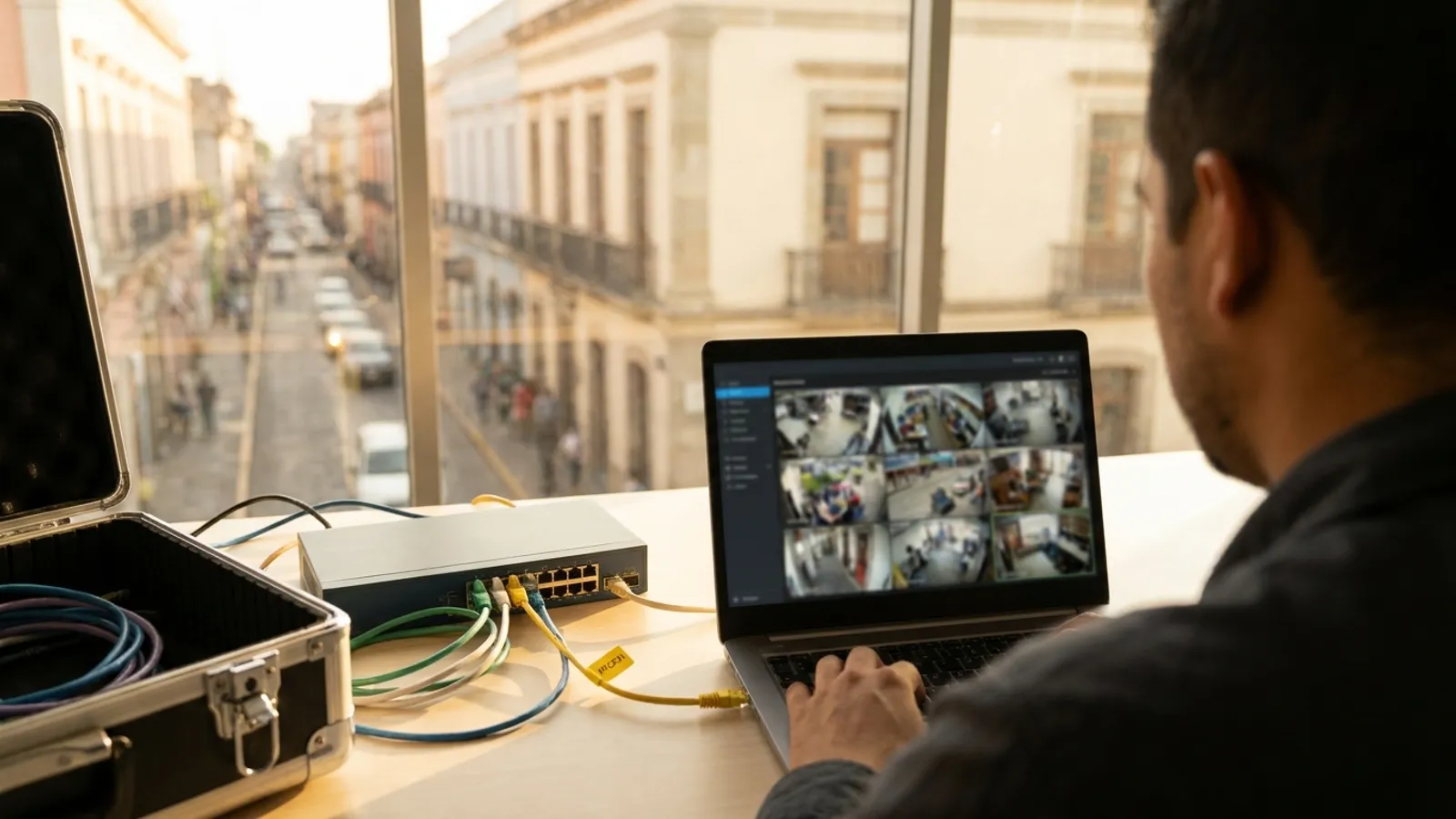
To integrate cameras from different brands into one system, you don't need to replace them. You can connect them to an open video management system (VMS) using the ONVIF and RTSP standards, or add a layer that works on top of the VMS you already run, such as Milestone or Genetec. The steps are: inventory every store's cameras, confirm which protocol each one supports, clean up network and credentials, connect them to your corporate monitoring center and validate camera by camera. Axentra OmniSight is a unified VMS that does this with Hikvision, Dahua, Axis, Hanwha, Uniview, Bosch, Avigilon, Verkada, Cisco and IP cameras via ONVIF and RTSP. It also uses AI to analyze every camera 24/7 and is installed on-premise, so video never leaves your company.
Why does a chain end up with so many camera brands?
Because it grows in stages: every opening, remodel or regional installer puts in whatever made sense that year. At chain scale the problem multiplies. For a sense of how large these networks get, OXXO closed 2025 with 24,297 stores in Mexico, according to FEMSA's fourth-quarter report. With hundreds or thousands of locations, you typically end up with a different NVR and app per brand, scattered passwords and a monitoring center that can't see everything on one screen.
What are ONVIF and RTSP, and why do they solve the brand mix?
ONVIF is the open standard that lets cameras and software from different makers work together. It is organized into profiles:
- Profile S: basic streaming (H.264, PTZ, motion events). ONVIF announced in October 2025 that it is ending support for it. After March 31, 2027, new products can no longer be certified to this profile, and neither can existing products with new firmware.
- Profile T: advanced streaming with H.265, imaging settings and tampering events. It is the baseline for new projects.
- Profile G: recording and playback. It lets you mix NVRs from different manufacturers without custom integration.
- Profile M: metadata and events for analytics applications.
- RTSP: the live-video streaming protocol many IP cameras expose. It is the way to connect when a model lacks full ONVIF support.
- Analog cameras: they need an IP encoder. Profile S covers IP cameras, video encoders and NVRs.
One detail that prevents surprises: a product can support one or several profiles. A camera with Profile S does not automatically have Profile G. Check each model.
How do you integrate different camera brands, step by step?
- Inventory each store: brand, model, firmware, IP, NVR/DVR and ONVIF profiles for every camera.
- Sort by protocol: ONVIF (T, S or G), RTSP only, or analog (needs an encoder or replacement).
- Clean up network and credentials: put cameras on their own network segment, remove factory passwords, update firmware and define how each store's video reaches the corporate monitoring center.
- Choose the architecture: one VMS that receives every camera, or a layer on top of the existing VMS.
- Connect and validate camera by camera: live video, recording, PTZ and time sync.
- Define rules and owners: what triggers an alert, who handles it and what gets logged.
- Start with a pilot in a few stores before scaling to the whole chain.
Do I have to replace my VMS if I already use Milestone or Genetec?
No. They are open, mature platforms, and they deserve credit. Milestone reports more than 16,500 devices on its XProtect supported device list. Genetec Security Center unifies video, access control and license plate recognition in one interface. If you already have them, OmniSight works with them and adds the AI layer. If you have no VMS, or one per brand, OmniSight acts as the unified VMS. Either way, nothing gets ripped out.
I can see all my cameras together. Who is actually watching them?
Unifying the view only solves half the problem. A video wall with thousands of feeds doesn't mean anyone is watching them: with manual monitoring, operators can only look at a fraction. That's why, for loss prevention and security across a chain, OmniSight adds an AI layer over every camera:
- Analyzes every camera, 24/7, in real time and alerts the operator. You no longer depend on someone looking at the right screen.
- Natural-language rules: write the instruction the way you'd say it, for example "alert me if you see an accident."
- Natural-language search across archived video: describe what you're looking for instead of scrubbing through hours of footage. Searches take about 40 seconds.
- Cross-camera tracking: follows people and vehicles from one camera to the next and generates their route.
- Face recognition against watch lists, with every match reviewed by a human operator. Companies must operate it within the applicable personal-data legal framework.
- Reads license plates, fleet numbers and vehicle lettering, which is useful at distribution centers, yards and delivery fleets.
- Detects blocked, turned or offline cameras across the whole chain, so no store goes weeks without video and nobody notices.
- On-premise: installed on GPU servers in the company's data center. Video never leaves the organization and doesn't depend on cloud services.
To date, OmniSight has detected more than 1 million vehicles and sent more than 1,000 alerts to operators. A person always makes the decision.
Which option makes more sense for a chain?
| Criterion | Axentra OmniSight | Per-brand NVRs and apps + manual monitoring |
|---|---|---|
| All brands on one screen | ✓ Unified VMS, ONVIF/RTSP | ✗ One app per brand |
| Works with Milestone or Genetec | ✓ Without replacing them | — Not applicable |
| Replace cameras | ✗ Not needed | ✗ Not needed |
| Monitoring coverage | ✓ Every camera, 24/7 | ✗ Whatever operators can watch |
| Natural-language rules | ✓ | — Depends on each brand |
| Video search | ✓ Natural language, ~40 s | — Depends on each brand, one app at a time |
| Route across cameras | ✓ People and vehicles | — Not across brands |
| Faces and plates | ✓ Human review; plates, fleet numbers, lettering | — Depends on each brand and model |
| Blocked or offline cameras | ✓ Automatic alert across the chain | — Depends on each brand; no chain-wide view |
| Where video lives | ✓ On-premise, never leaves | Depends on each brand |
Bottom line: you keep your cameras either way, but with OmniSight every brand ends up in one system that analyzes every camera with AI, searches in natural language and alerts the operator.
How is it licensed, and how do I start?
OmniSight uses floating licenses per processed camera, per year. You can try it at no cost with a 10-day pilot on up to 10 of your own chain's cameras, using your brands and your network. If the inventory turns up analog cameras or equipment worth renewing, Axentra also supplies cameras, servers, video walls and consoles. It also delivers the project turnkey: engineering, installation, connectivity, monitoring center, maintenance and support.
Want to see every store's cameras in one system without replacing the ones you have? Tell us about your chain and we'll set up your pilot.